· Updated · 3 min read · By Noor Ahmed
EU VAT on Shopify: OSS and IOSS, set up step by step
How EU VAT works for online stores, when the €10,000 threshold and the One Stop Shop apply, and how to set up OSS or IOSS in Shopify, step by step.

When you sell goods to consumers in other EU countries, VAT is usually charged at the customer's rate, not yours. EU-based sellers whose cross-border EU sales reach €10,000 a year charge each customer's local VAT and can report all of it on one quarterly return through the One Stop Shop (OSS). Sellers outside the EU can use the Import One Stop Shop (IOSS) to collect VAT at checkout on parcels worth €150 or less.
In Shopify, all of this is set in Settings > Taxes and duties > European Union. This guide explains the rules and the settings. It is not tax advice: confirm your registrations with an accountant who knows EU VAT.
The three schemes
- Union OSS: for businesses established in the EU, selling goods to consumers in other EU countries, or services to consumers where they are not established.
- Non-Union OSS: for businesses outside the EU selling services to EU consumers.
- Import OSS (IOSS): for goods sent into the EU from outside it, in consignments of €150 or less. Returns are monthly, and a business outside the EU normally needs an EU intermediary to register.
Union and non-Union OSS returns are filed quarterly, by the end of the month after each quarter. A return is due even when you made no sales in that quarter, and you need to keep records of OSS sales for 10 years.
If your business is in the EU
Add up your sales to consumers in all other EU countries together. While that total stays under €10,000 a year, you can charge your home country's VAT and pay it at home. Once it reaches €10,000, you charge the VAT rate of each customer's country on all those cross-border sales.
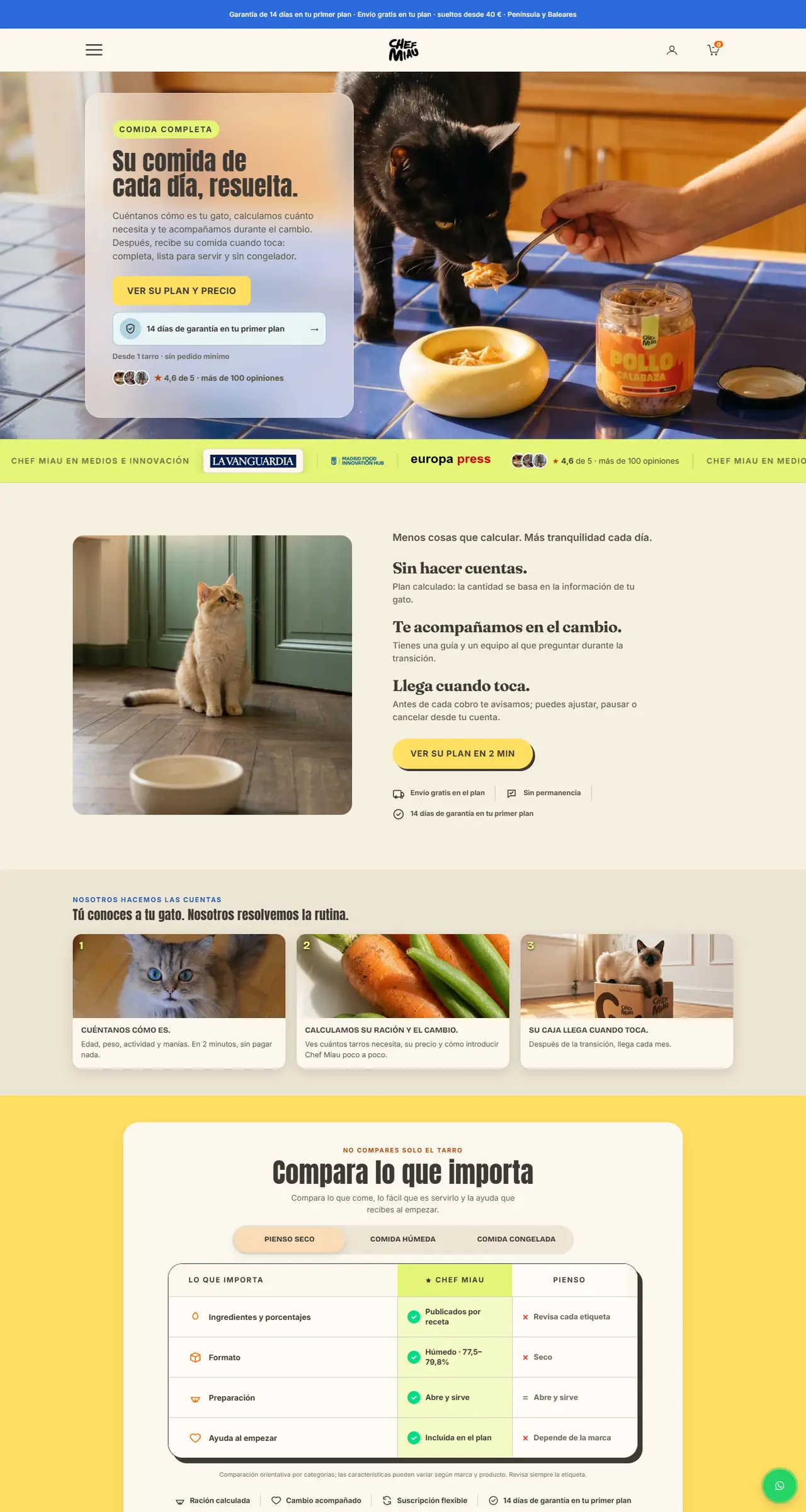
You can register for VAT in every country you sell to, but most stores register for OSS in their home country instead and file one return that covers the rest of the EU. For examples of European stores we have built, see Chef Miau in Spain and Bureau Brutal in Belgium.
If your business is outside the EU
For brands in the US, UK or Canada shipping to EU consumers, the value of each consignment decides what happens:
- €150 or less: with an IOSS registration you collect the VAT at checkout. The parcel clears customs without surprise charges, which protects your delivery rate and your reviews.
- Over €150: import VAT and customs duties are charged at the border, often to the customer on delivery unless you collect them at checkout.
A customer who meets an unexpected import charge on delivery may simply refuse the parcel. If you sell into the EU regularly, it is worth setting up IOSS, collecting duties at checkout where your Shopify setup supports it, or shipping from stock held in the EU.
Setting it up in Shopify
Everything starts in Settings > Taxes and duties, then European Union under Regional settings:
- Home country: in Collect VAT in an EU country, click Collect VAT, choose your country and enter your VAT number.
- OSS: in Collect VAT cross-border, choose Collect using a One Stop Shop (OSS) registration, select the country where you registered for OSS and enter your VAT number.
- Under the threshold: choose Collect using your home country registration instead, and switch to OSS once you pass €10,000.
- Outside the EU: add your IOSS number in the same European Union settings so VAT is collected at checkout on qualifying orders.
Then check your prices. EU consumers expect prices that already include VAT, and the price they see on the product page should be the price they pay at checkout. With Shopify Markets you can show tax-inclusive prices in euros and other local currencies for each market.
Selling to businesses
Sales to VAT-registered businesses in another EU country usually fall under the reverse charge: you do not charge VAT, and the buyer accounts for it. That needs a valid VAT number from the buyer. If you sell to both consumers and businesses, set up your B2B customers and their tax details so the right rule applies at checkout.
Common mistakes
- Registering for OSS when you needed IOSS, or the other way round.
- Forgetting to file a nil return in a quarter with no EU sales.
- Showing EU shoppers prices without VAT, then adding it at checkout.
- Leaving customers to pay import charges on delivery.
- Not keeping OSS records for the full 10 years.
VAT is one part of selling in Europe. Languages, payment methods such as iDEAL and Klarna, and the European Accessibility Act matter just as much. Our Selling in Europe service sets up all of it in one project, with the figures from your accountant.