Shopify theme by Shyft Stack
Lumen Lab. A clean Shopify theme for modern skincare.
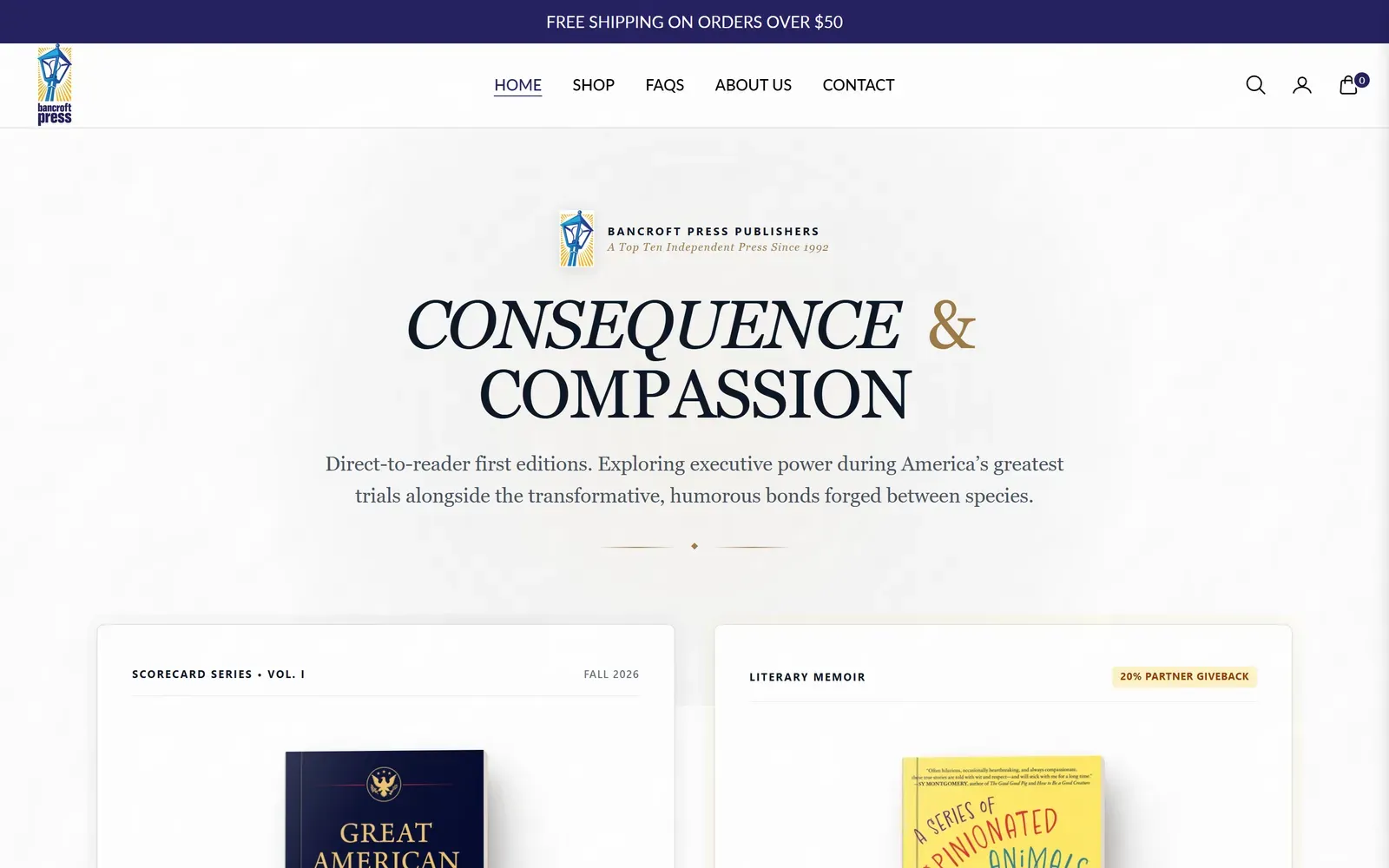
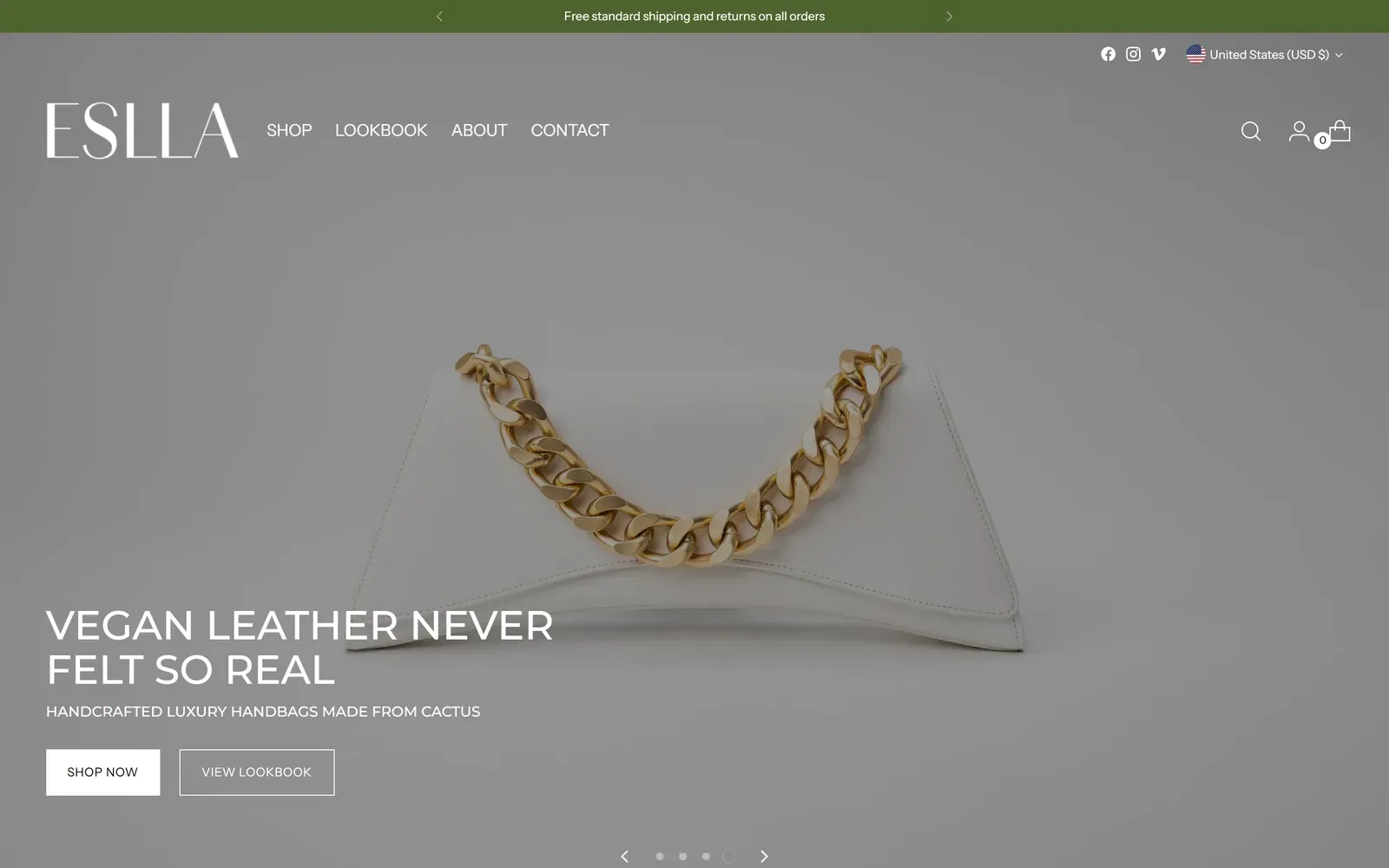
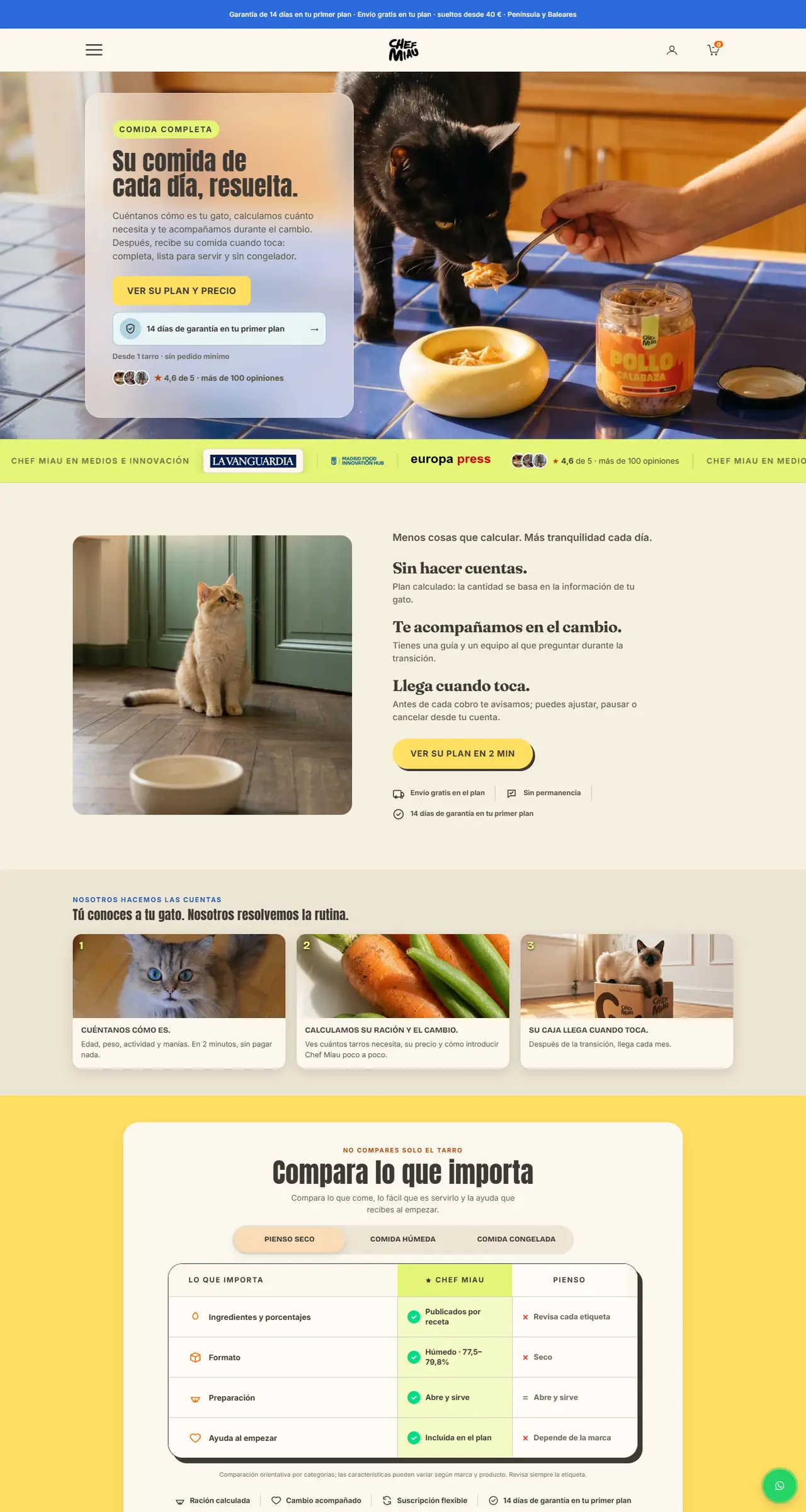
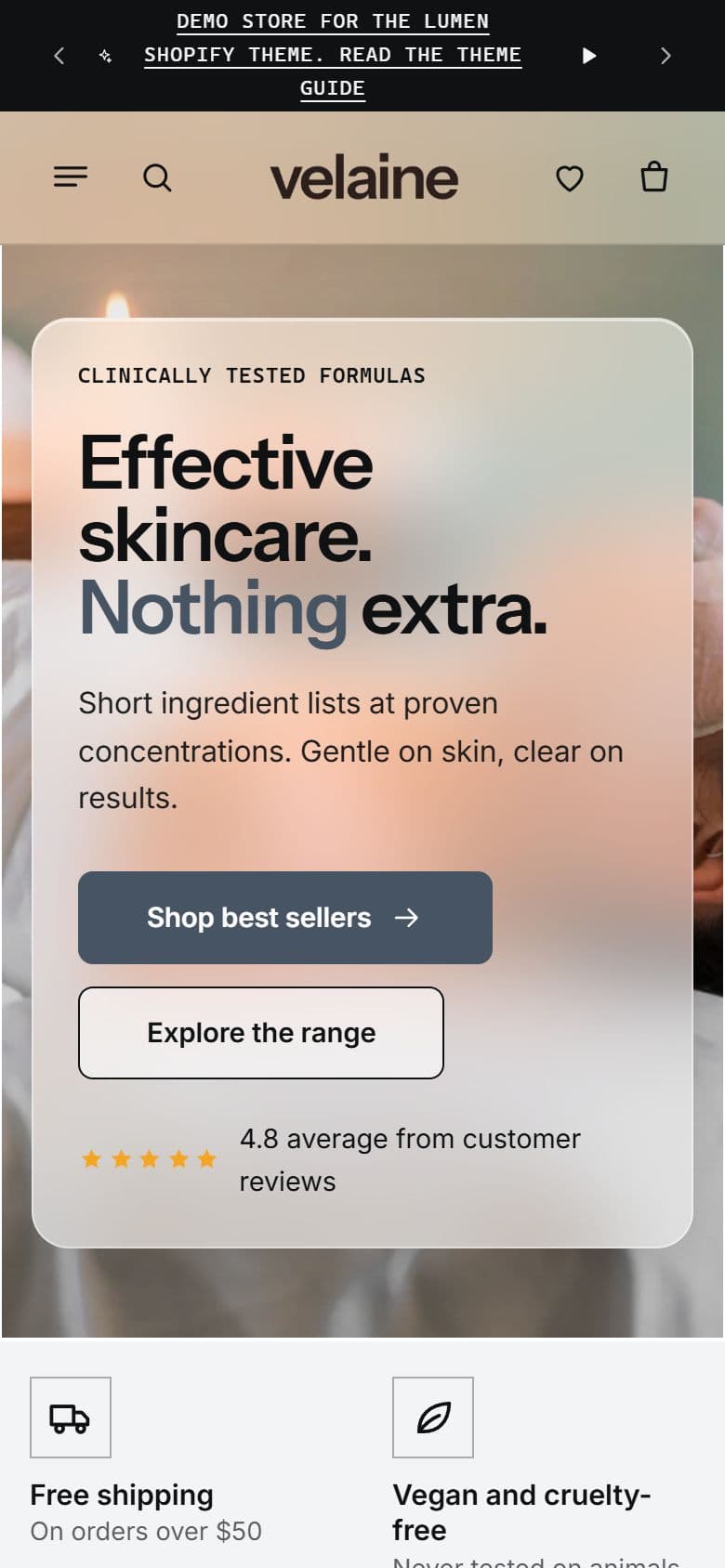
Everything in Lumen with a clinical look: tight sans-serif headings, cool neutrals and accent words in your brand color. Three styles to start from, all set up without code.
- Version 1.0.0
- One license per store
- Installed for you
Why it sells
What Lumen Lab does for your store.
Shop by concern
Shoppers pick a concern such as dryness, dullness or sensitivity and see the products for it, switching with one tap.
A routine in one click
The routine builder lets shoppers tick the steps they want and add them all to the cart at once, with an optional routine discount.
Ingredients up front
An ingredient spotlight with up to eight key ingredients, a “free from” list, highlight chips from your tags and the full ingredient list on every product.
Claims you can stand behind
The Results section stays hidden until you add its source, stock warnings use real inventory and reviews come only from your reviews app.
Lumen Lab in numbers
3
ready-made styles: Frost, Sage and Graphite
2
editions: the full theme, and Starter for one to three products
7
storefront languages included
Demo store
Try every page before you buy.
Browse a full store running Lumen Lab: open menus, pick variants and add products to the cart. Switch between desktop, tablet and phone at the top of the demo.
Cart drawer
Two goals, one bar.
The cart shows how far the shopper is from free shipping and from a free gift, with a marker for the nearer one.
- Goals
- Free shipping progress and a free gift goal, converted to the shopper’s currency.
- More sales
- Product suggestions from a collection or from automatic recommendations, and one-tick gift wrap.
- Checkout
- Order notes, reassurance text and payment icons.
- Subscriptions
- One-time purchase and subscribe-and-save options appear on the product page when a product has them.
Styles
3 styles to start from.
Pick one in Theme settings, then change colors, fonts and corners to match your brand.
Frost
White, ice grey and graphite with a cool slate accent and tight sans-serif headings.
Sage
Soft white and muted green-grey with rounded buttons.
Graphite
Warm white and charcoal with square corners.
Sections
Sections, ready to use.
Four sections made for beauty stores, plus the full set for every page. Add them from the theme editor in any order.
Made for beauty
Shop by concern · Ingredient spotlight · Routine builder · Results
Openings and banners
Hero · Announcement bar · Promo banner with countdown · Video · Scrolling text
Products and collections
Featured product · Featured collection with tabs · Collection list · Shoppable image · Related products · Complementary products
Proof
Testimonials · Comparison table · Before and after · Stats · Logo list · Product reviews
Content
Rich text · Image with text · Multicolumn · Icon bar · Blog posts · Custom section
Questions and help
FAQ · Contact form · Email signup
Utility
Apps · Custom Liquid
Editions
Two editions, one theme.
Both have the same features and settings. Only the starting layout is different.
Lumen Lab Starter
For new stores with one to three products. The home page works as a sales page, with your ingredients, a routine and your results.
Lumen Lab
For stores with a full range. The home page adds Shop by concern, best seller tabs and a journal.
Under the hood
Accessible, translated and app-ready.
Accessible
Every built-in color scheme meets contrast guidelines for text, buttons and badges.
Seven languages
Storefront text in English, French, German, Spanish, Italian, Dutch and Brazilian Portuguese, with country and language selectors.
App-ready
Judge.me reviews, Shopify Inbox, Shopify Subscriptions and Search & Discovery filters all work in Lumen Lab.
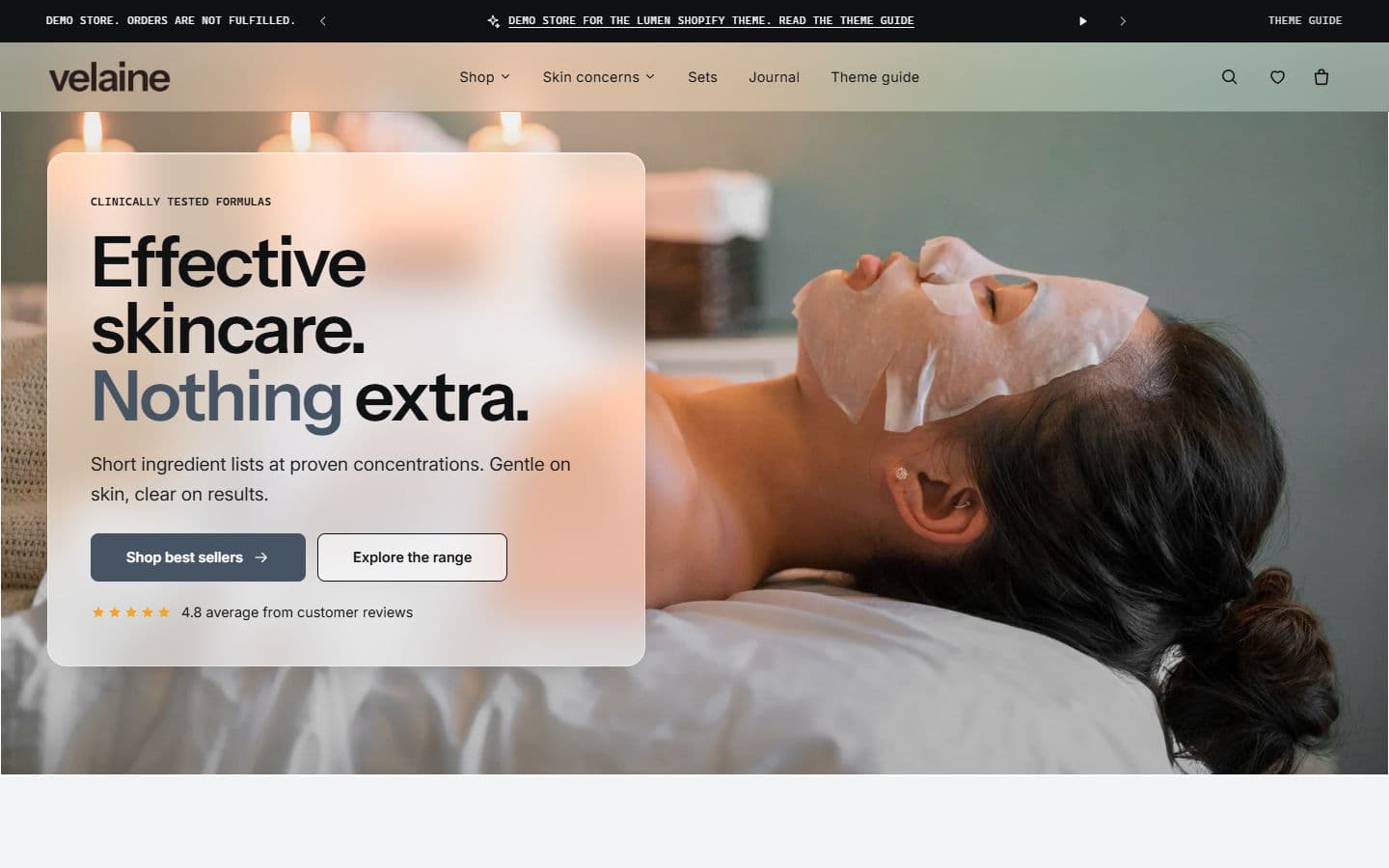
Frosted glass
The header, menus, hero panel and badges can turn translucent. Set the opacity and corners, or keep panels solid.
How it works
Installed for you. Live when you say.
Your live store never changes until you publish the theme yourself.
Request the theme
Send your store’s myshopify.com address below. Nothing is charged yet.
Confirm and pay
We confirm the details within one business day and send your invoice.
We install Lumen Lab
Lumen Lab arrives in your theme library as an unpublished theme, with its setup guide and practice products.
Preview and publish
Pick a style, set it up in the theme editor, preview on desktop and phone, and publish when you are ready.
About the license
The license covers the stores you own or run. You can customise Lumen Lab and change its files for your own stores. Reselling or sharing the theme files, changed or not, isn’t allowed.
Get Lumen Lab
Request your license.
Tell us about your store. We confirm the details and price, and send your invoice within one business day.
- Installed on your store as an unpublished theme
- Full and Starter editions
- Setup guide and practice products with photos
Questions about Lumen Lab.
Which edition should I use?
Lumen Lab Starter suits a new store with one to three products: the home page works as a sales page for your main product. The full edition suits a store with a range. Both have the same features, and you can grow from Starter without switching themes.
Can I change the style later?
Yes. Open Theme settings, choose Theme style and pick another. Your content stays in place.
Why isn’t an offer price applied at checkout?
Offer and bundle prices are shown on the page only. Create a matching automatic discount in Shopify admin, then set the same numbers in the block.
Do my apps keep working?
Yes. App blocks and app embeds work in any section that accepts them. Keep the apps installed.
Is the storefront translated?
Storefront text is included in English, French, German, Spanish, Italian, Dutch and Brazilian Portuguese. Add and publish languages under Settings, then Languages.